What one click costs
With cost-per-click bidding, the advertiser sets a maximum cost-per-click bid, or max. CPC: the highest amount they’re willing to pay for a click on the ad, unless bid adjustments or enhanced CPC are in use. What the advertiser is really charged, the actual CPC, often lands below that ceiling, and sometimes well below it.
The reason is the way the auction prices a win. A winning ad is charged the smallest amount that gets it over the minimum and keeps it ahead of the ad ranked next below it. If no other ad sits below, the charge is the reserve price. That is the threshold, rounded up to the minimum billable unit, which in Australia is the next cent.
Bay 01 walks through the auction, with Google’s own worked example.
Two prices for one click
- Max.
- The most the advertiser will typically be charged for a click.
- Actual
- The final amount charged for the click.
The actual CPC can go above the max. CPC when, for example, enhanced CPC or a bid adjustment is switched on.
How long the money lasts
Each campaign has an average daily budget: a rough figure for what the advertiser is happy to spend in a day, averaged across the month. Google Ads leans the spending towards the days it expects more clicks and conversions, so one day may come in under the figure and another over it.
Two limits keep that in check. Even when a campaign’s clicks add up to more than a limit, the bill stops at the limit. The figure can be edited whenever the advertiser wants.
Bay 04 turns a monthly amount into a daily budget, with a worked example.
Who gets the space on the page
Every search runs its own auction, and each ad location on the page runs a separate one: the top ads are chosen by a different auction from the ads lower down. In each, Google calculates Ad Rank twice, first to decide whether an ad is eligible to show and then to rank it against the other eligible ads. Google names six things that go into it:
- The bid, the most the advertiser is willing to pay for a click.
- The quality of the ad and its landing page, including how useful and relevant they are.
- The Ad Rank thresholds, the minimum an ad must reach to show.
- How competitive the auction is: when two ads competing for the same position have similar Ad Ranks, each has a similar chance of winning it.
- The context of the search: the words, the person’s location, their device, the time and more.
- The expected impact of ad assets, such as a phone number or extra links, and other ad formats.
So the highest bid doesn’t automatically take the top spot. Google says strong ads and landing pages can beat a bigger bid, earning a higher place for less money.
Position moves, and that’s expected
Because each search gets a fresh auction against whoever is competing at that instant, an ad’s place can change from one search to the next. Google treats that movement as normal.
Bay 02 explains Quality Score, which summarises ad quality but isn’t itself an input in the auction.
Why an ad doesn’t show
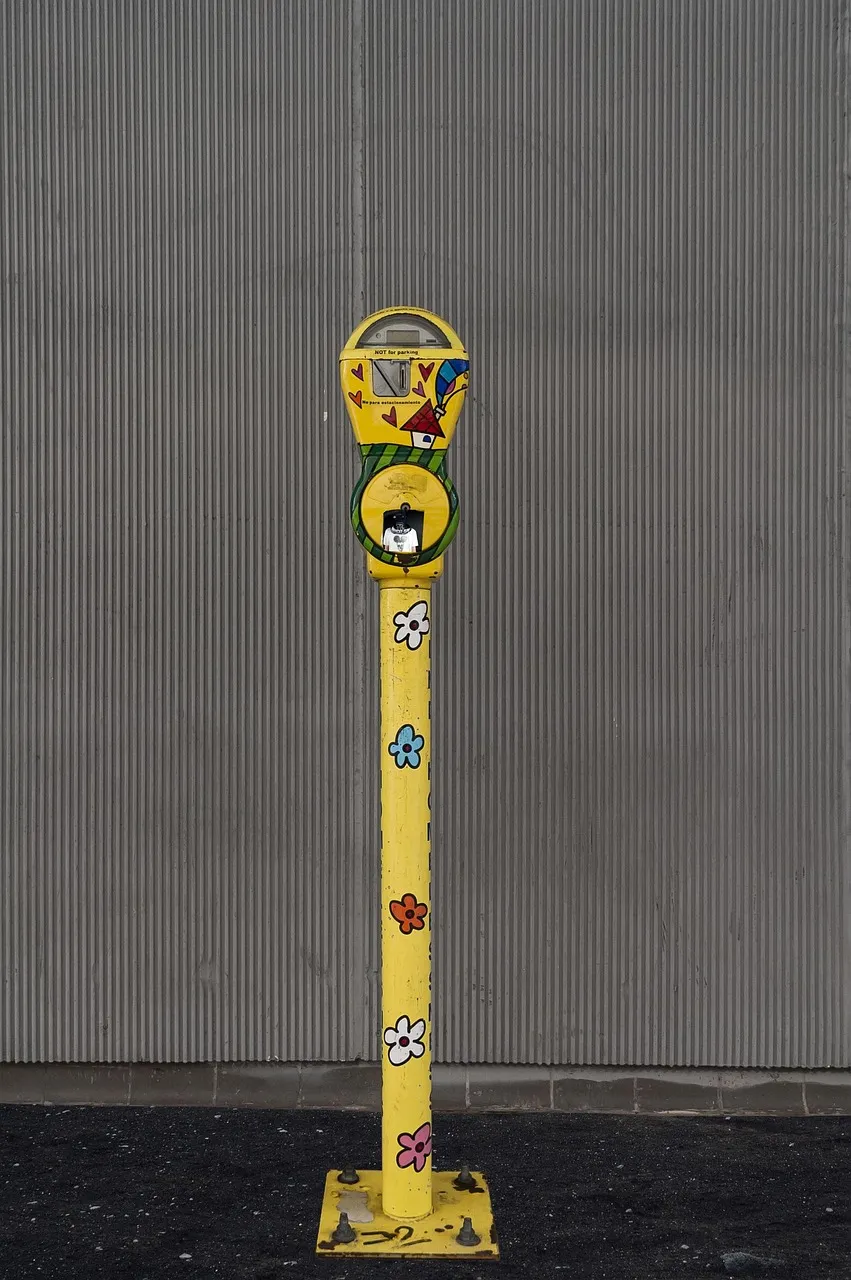
On a meter, the red flag means the time has run out. In Google Ads there is no single flag, but Google’s help pages name the usual reasons an ad stays off the page for a search:
- No keyword matches the search closely enough for the ad to be considered. Match types are in Bay 03.
- A negative keyword excludes the search.
- The ad isn’t eligible: it targets a different country, for example, or has been disapproved for breaking a policy.
- Its Ad Rank falls below the minimum needed to show anywhere on the page.
- The campaign is limited by budget, so the ad can appear less often than wanted, or not at all.

The law sits under every ad
Under the ACCC’s guidance, whatever a business says about what it sells has to be true and accurate, with reasonable grounds behind it, whether the words appear in an ad, on a website, on social media or anywhere else. It makes no difference whether the business meant to mislead.
Google has its own rule too. Its misrepresentation policy bars ads, and the pages they lead to, that trick people by hiding important facts about a product or by saying something misleading about a product, a service or the business behind it.
Bay 06 sets both out as questions to ask of an ad before it runs.
Six bays
Each bay answers one question about running Google Ads, from Google’s help pages, or the ACCC for the law.
- How a search ad auction worksAd Rank, thresholds, and what the winner pays.
- Quality Score: what it is and isn’tA diagnostic from 1 to 10, and why it isn’t in the auction.
- Keyword match typesBroad, phrase, exact, and the negatives that fence them.
- Budgets and biddingThe daily budget, its limits, and the bid strategies by goal.
- Measuring conversionsWhat counts as a conversion, and how long the window stays open.
- Ads and the lawMisleading claims under the ACCC’s guidance and Google’s own policy.